面向 Instagram Reels、TikTok 和 YouTube Shorts 的实用尺寸指南、裁剪比例、安全区域提示与剪辑流程 — 为每周发布内容的创作者持续更新。
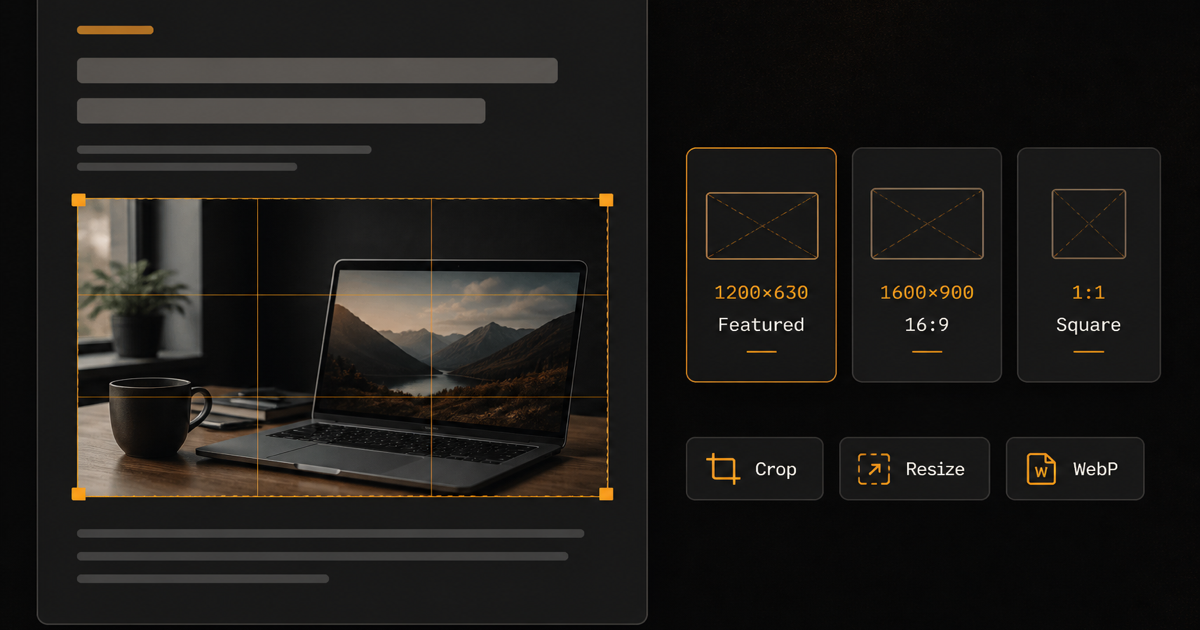
Learn how to edit images for a blog the right way: sizes, crops, formats, compression, featured images, mobile prep, and image SEO — with browser tools for each step.
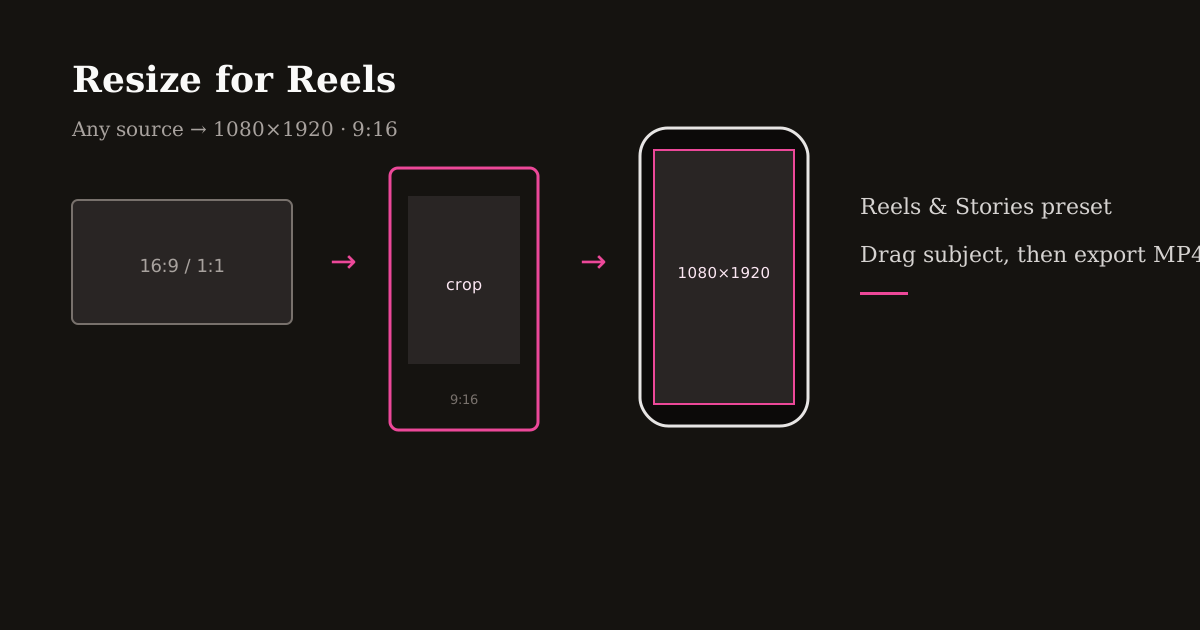
Resize a video for Instagram Reels in the browser: pick 1080×1920 (9:16), reframe any source, skip black bars, then export MP4 before you upload.
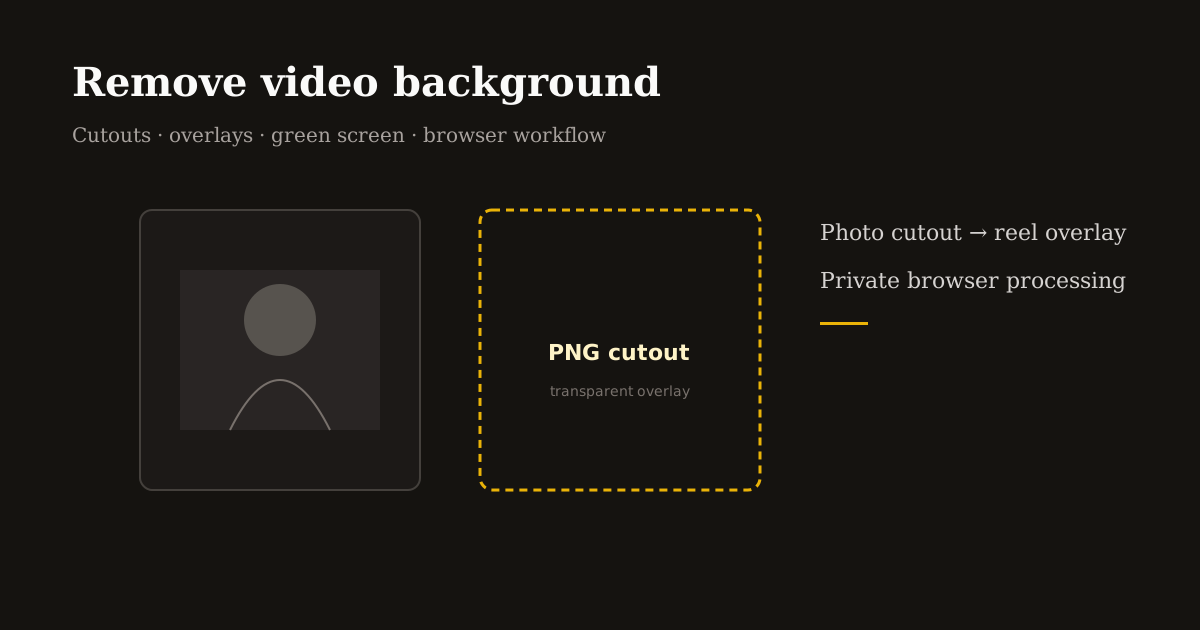
Remove background from video online without guessing: green screen, PNG cutouts, sticker overlays, and when AI photo cutouts beat full-frame video matting for Reels and Shorts.
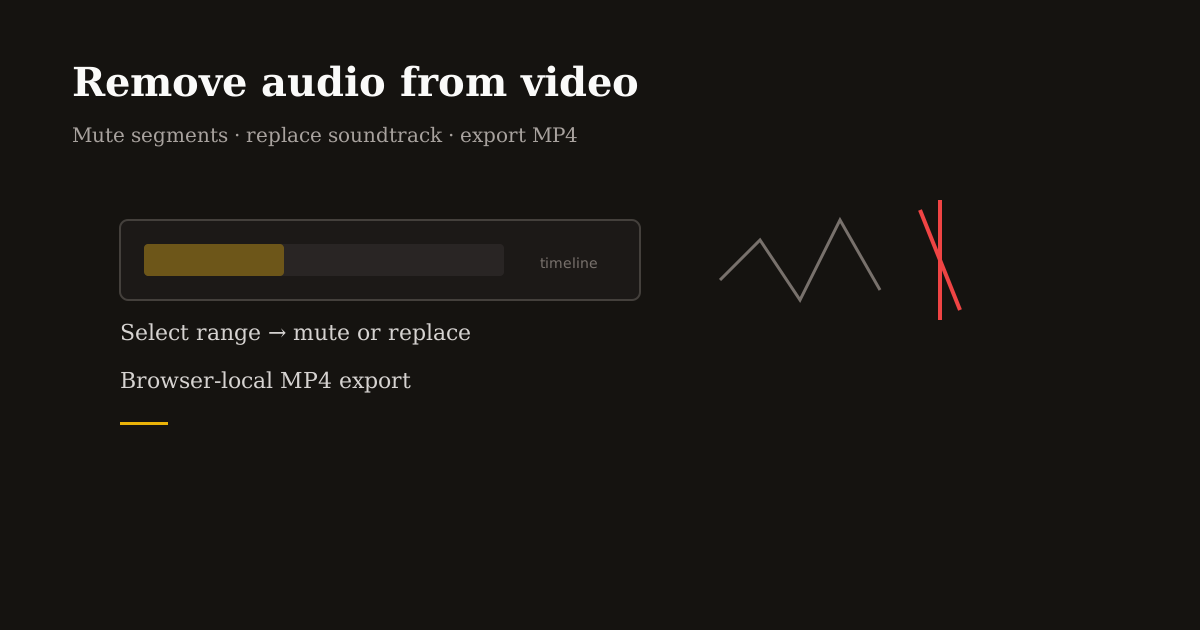
Remove audio from video online: mute a clip, silence a bad take, or swap in licensed music before Instagram and TikTok re-compress your upload.
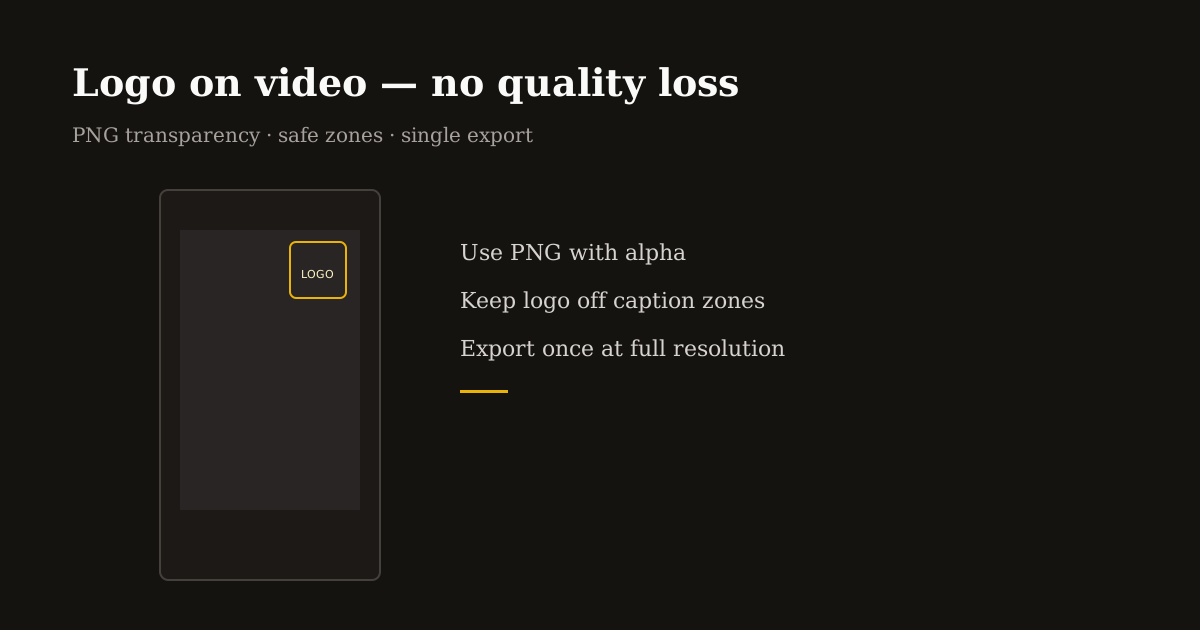
Add logo to video and watermark video online without blurry edges: transparent PNGs, safe zones, scale rules, and a single high-quality MP4 export for creators and agencies.
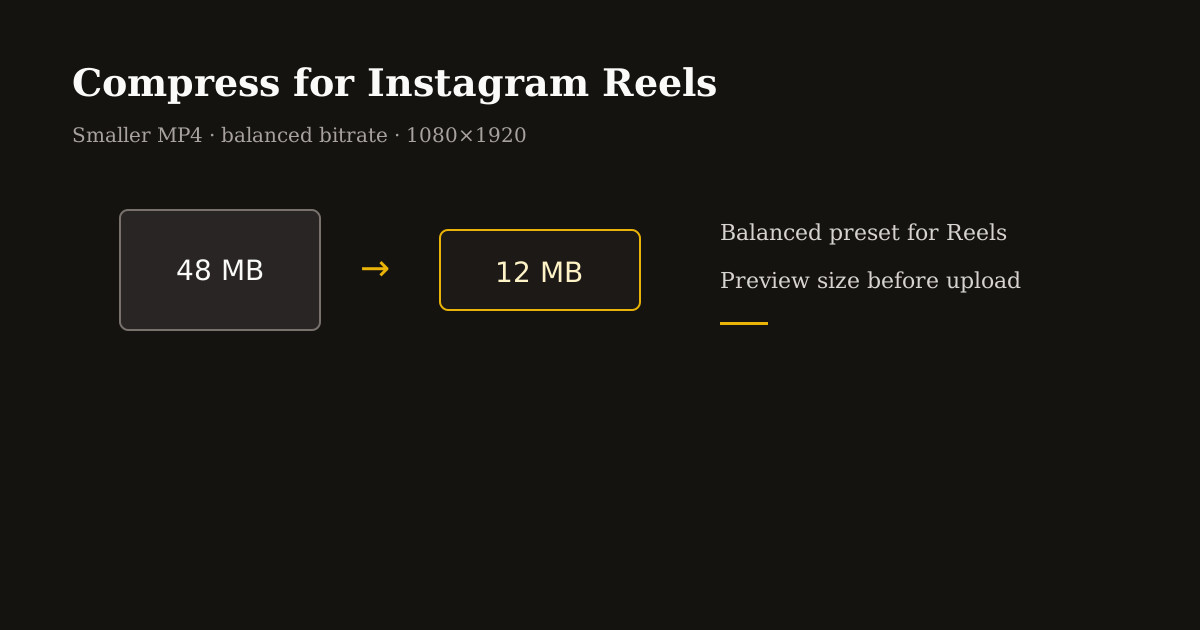
Compress video for Instagram Reels without mushy details: target bitrates, balanced presets, 1080×1920 exports, and when to shrink file size before upload.
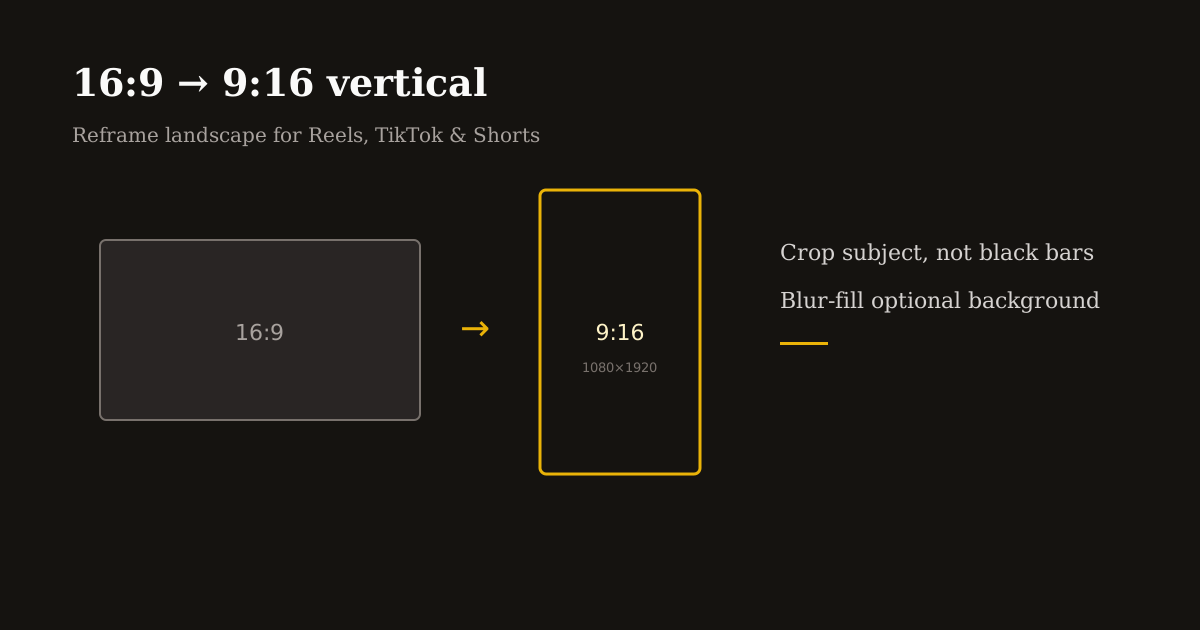
Convert horizontal video to vertical 9:16 without black bars: crop 16:9 to 9:16, reposition subjects, blur-fill backgrounds, and export for Reels, TikTok, and YouTube Shorts.
The best AI reel editor depends on your job: auto-clipping long video, captions, or fast private crop and trim. Compare top picks and a practical hybrid workflow for 2026.
The best Instagram reel editor depends on whether you need trending audio, multi-layer overlays, or a private browser crop before upload. Compare Instagram Edits, CapCut, and Reels Editor.
A TikTok video editor online should export 1080×1920 MP4 without forcing a desktop install. Crop, trim, add logo or audio, and download locally before you post in TikTok.
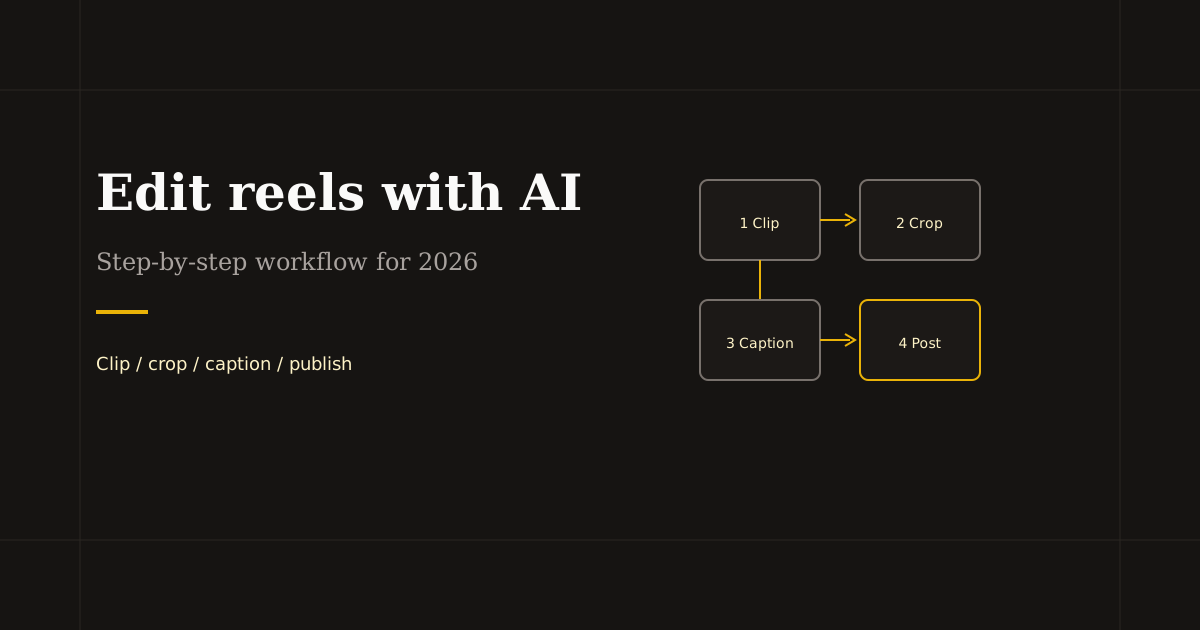
Learn how to edit reels with AI without losing quality: repurpose long video, fix framing in the browser, add captions, and export 1080×1920 for Instagram and TikTok.
A free reel editor should export clean 1080×1920 MP4 without paywalls on basic crop and trim. Use browser tools for vertical video prep before Instagram and TikTok.
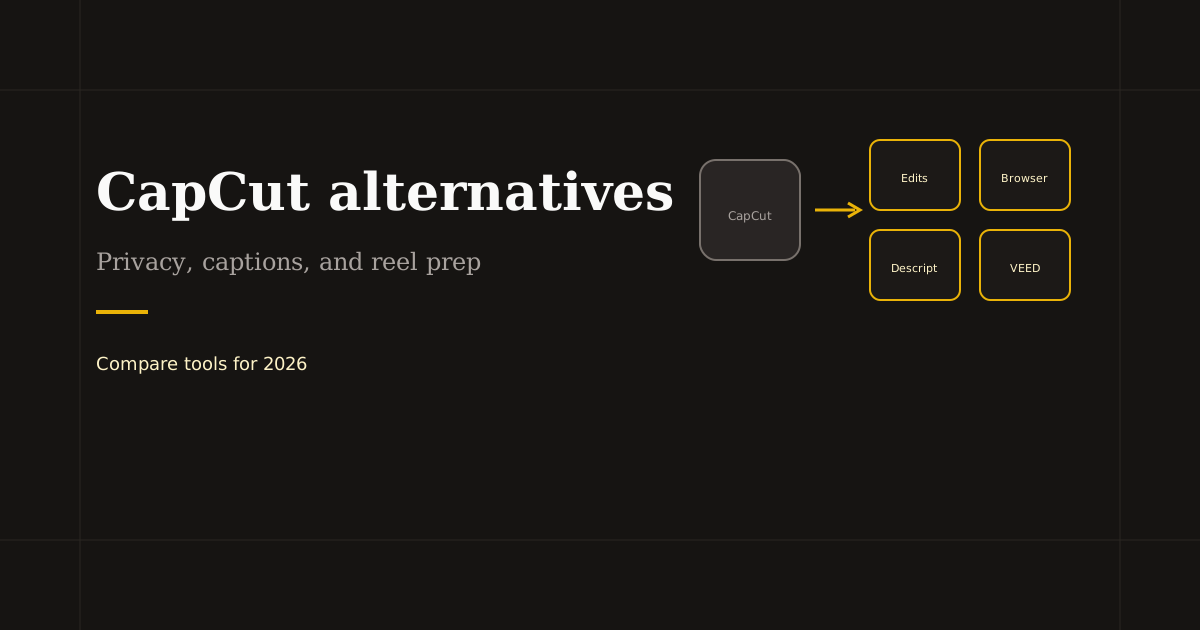
CapCut alternatives for 2026: Instagram Edits, Descript, VEED, and browser editors for private crop and trim. Pick by captions, templates, or local processing.
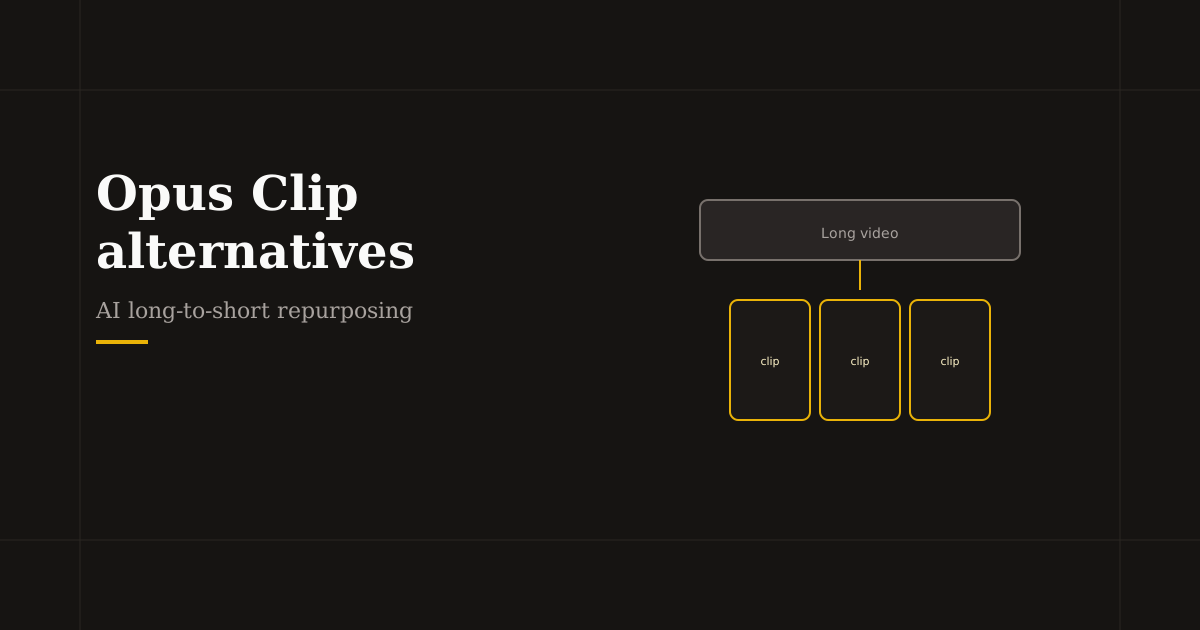
Opus Clip alternatives for AI clipping: Vizard, Munch, Descript, and manual browser prep. Compare repurposing features, pricing limits, and export quality for reels.
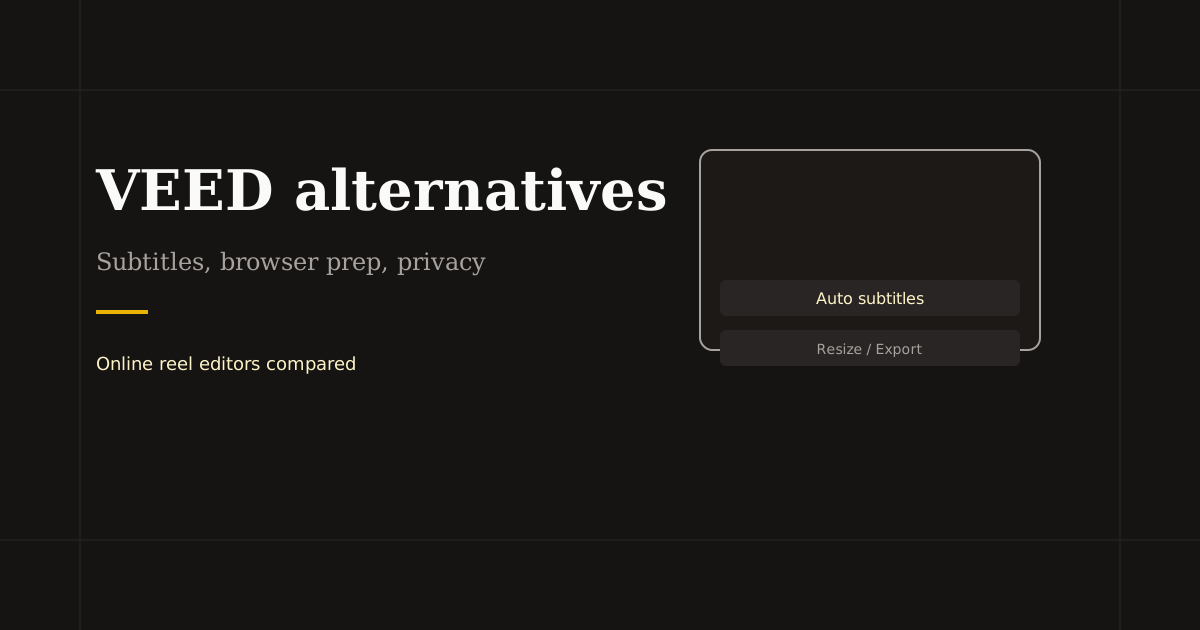
VEED alternatives in 2026: Descript, Kapwing, Canva Video, and Reels Editor for local crop and trim. Compare subtitles, cloud workflows, and reel-specific exports.

Instagram pushed advanced image overlays into the Edits app and slimmed the in-app Reels editor. Here is what changed, what still works, and how to add image on reel in your browser.
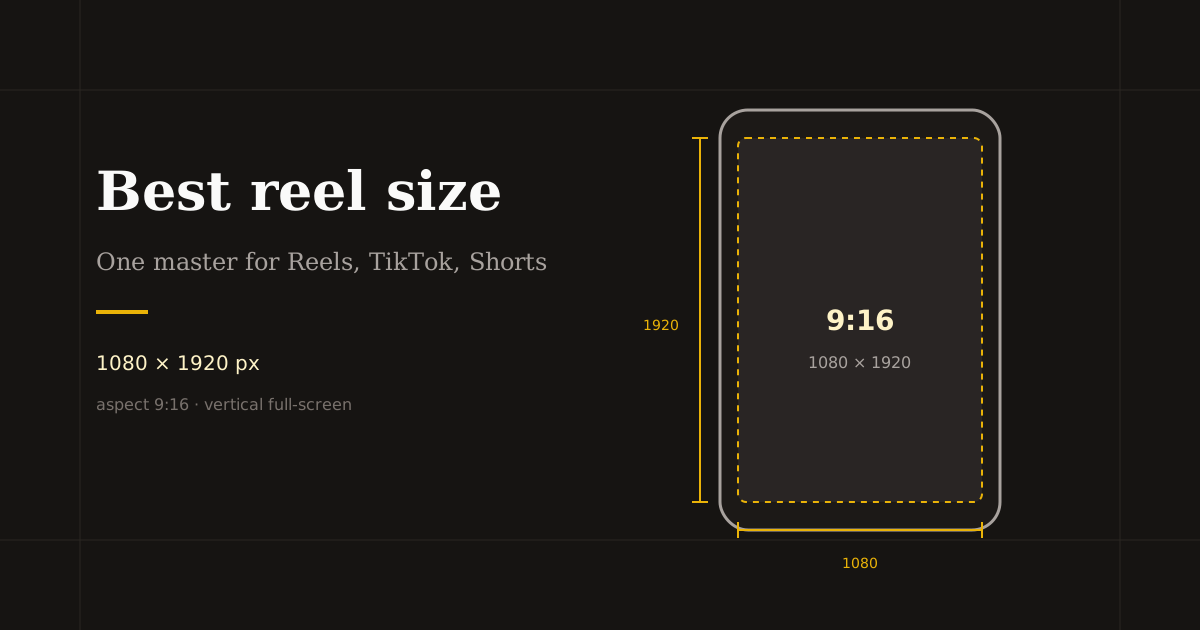
The best reel size in 2026 is 1080×1920 (9:16). Use this guide for Instagram, TikTok, and YouTube Shorts — plus safe margins and export tips.
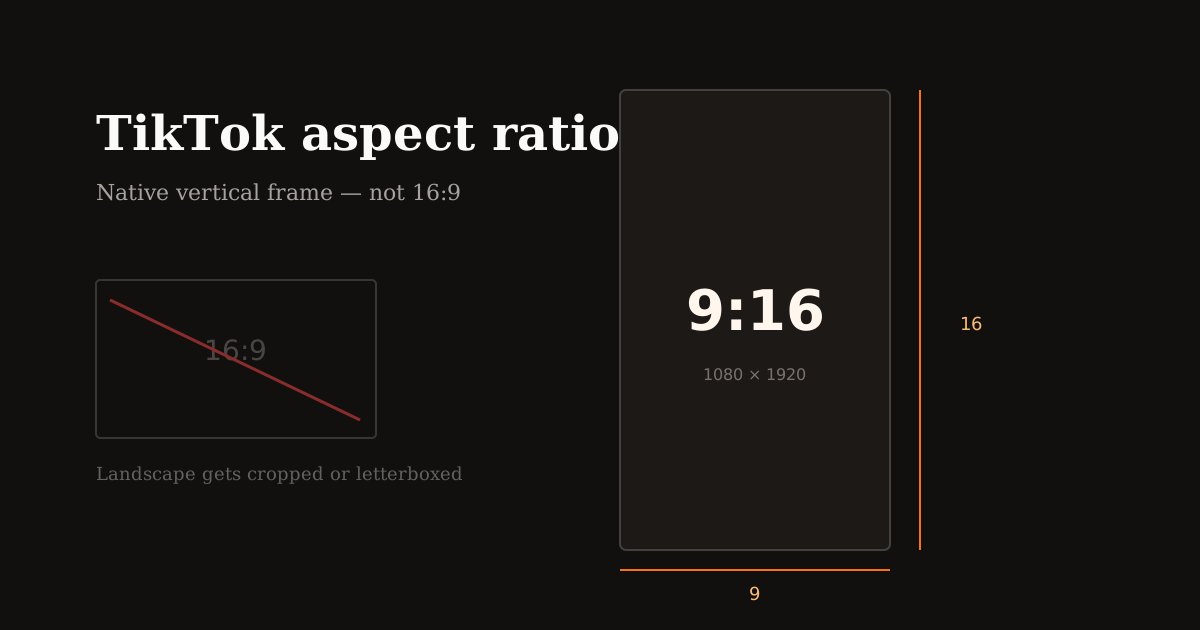
TikTok’s native aspect ratio is 9:16 (1080×1920). Learn what happens with 16:9 uploads, how UI overlays crop attention, and how to reframe landscape footage.
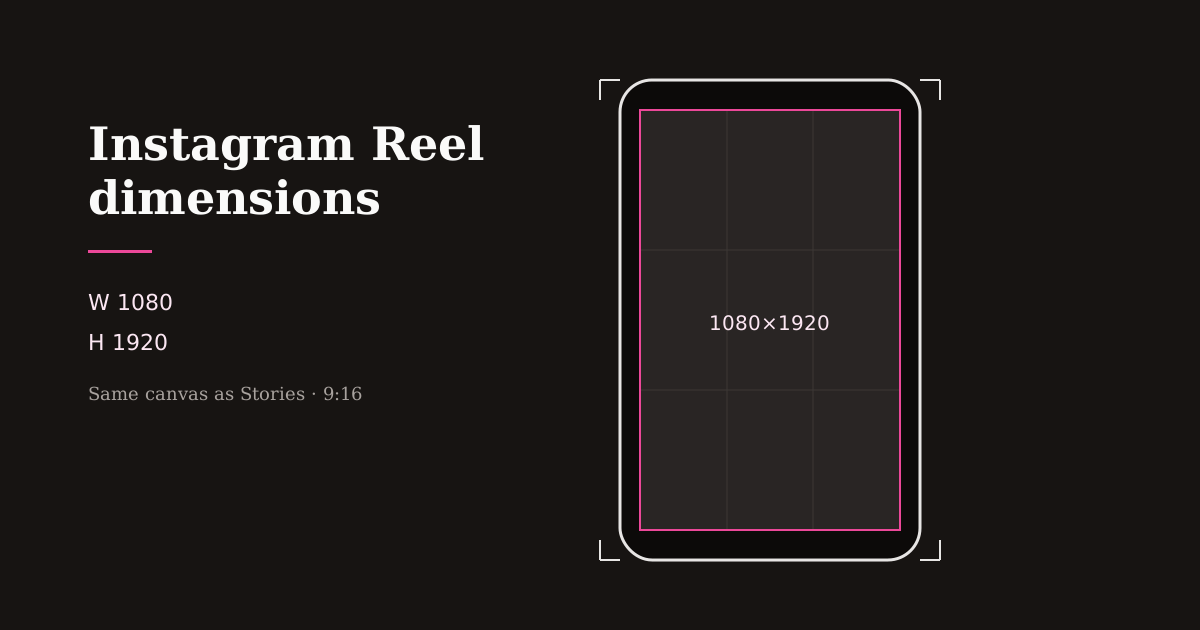
Instagram Reel dimensions are 1080×1920 (9:16). Compare Reels vs Stories vs 4:5 feed crops, caption safe zones, and export settings that stay sharp.
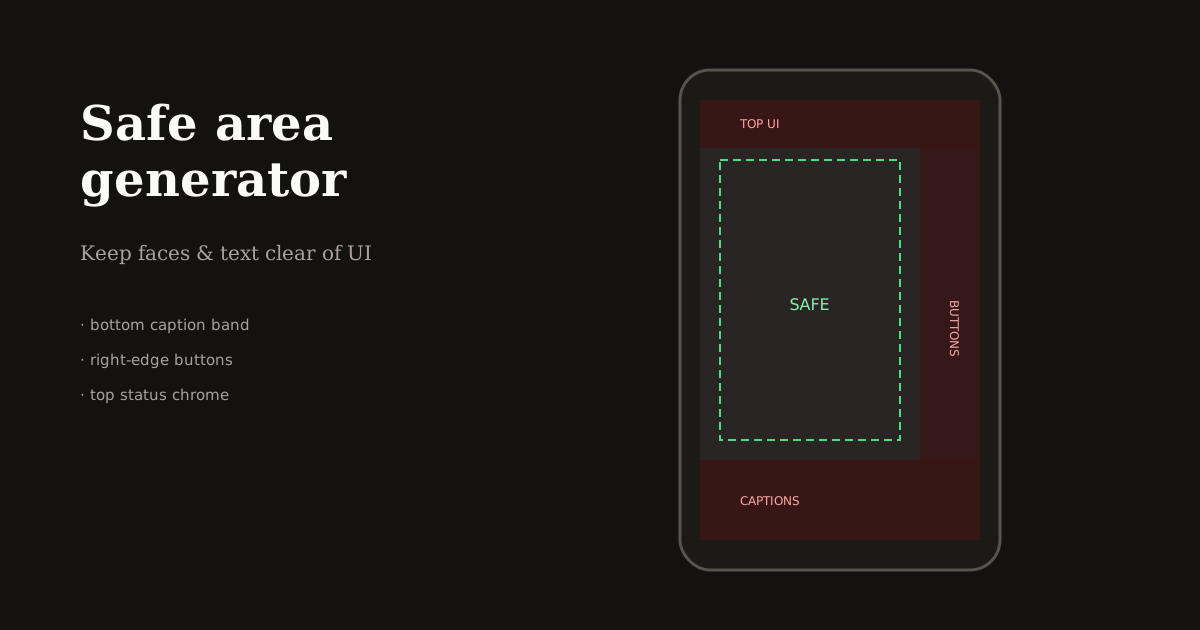
Generate safe areas for Reels and TikTok before you export. Keep faces, captions, and logos clear of platform UI with simple margin rules and a browser crop preview.
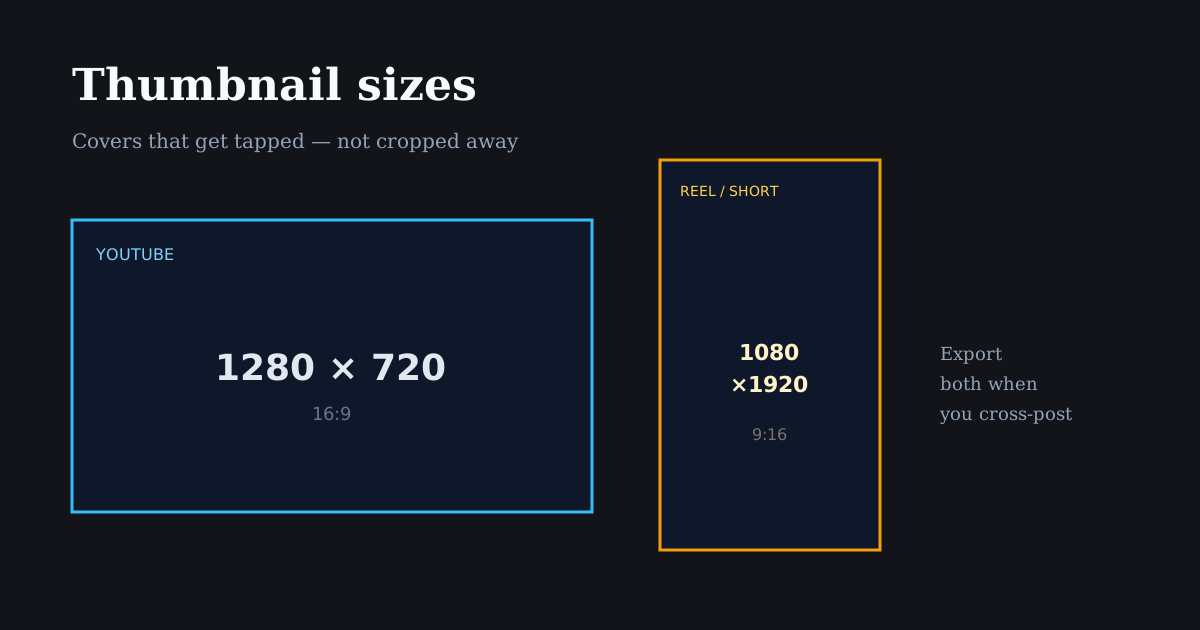
Thumbnail and cover sizes that actually get tapped: Reels covers, YouTube 1280×720, Shorts frames, and how to crop a punchy first frame from vertical video.
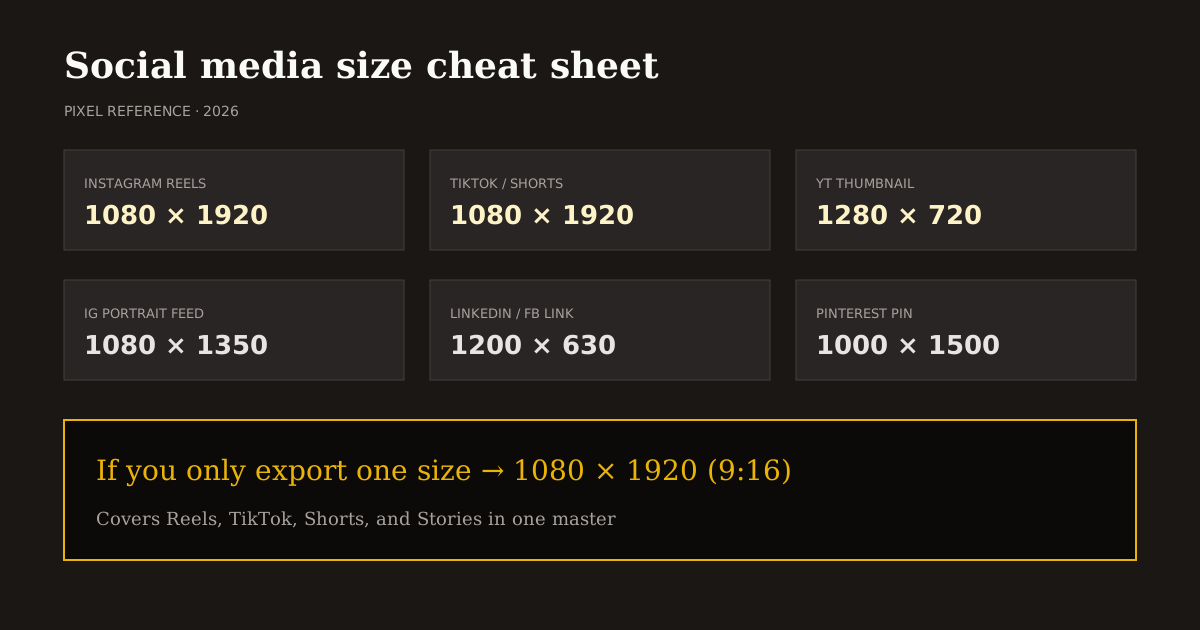
Copy-ready social media sizes for Instagram, TikTok, YouTube, Facebook, LinkedIn, X, and Pinterest — plus which ratio to use when you only have time for one export.
Stop the scroll in under two seconds with motion, bold text, and a clear subject. A strong hook sets pace and lifts watch time on Reels, Shorts, and TikTok.
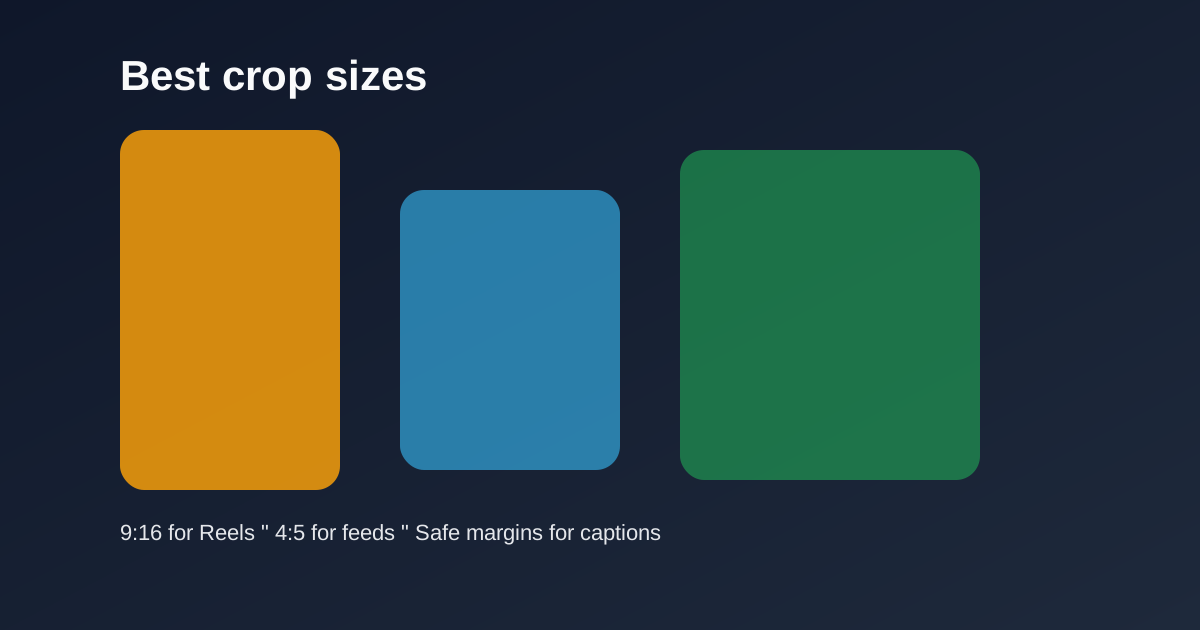
Use 9:16 for vertical Reels and Shorts, 4:5 for feed previews, and keep safe margins for captions and UI so key subjects never get covered.
Balance exposure, add modest contrast, and warm skin tones slightly so Reels and TikToks feel polished without looking over-filtered.
Keep transitions short and purposeful. Match motion direction between clips so edits feel intentional instead of decorative.
Align beats with cuts, kill long silent gaps, and duck music under voice lines so short-form videos keep rhythm and clarity.
Group similar clips, reuse crop and filter settings, and export in bulk so daily Reels and TikToks stop eating your week.
