Reels Editor — 免费图片与视频工具Reels Editor
  • 工具
    图片
    • 模糊图片
    • 调整图片尺寸
    • 去除背景
    • 裁剪图片
    • 像素化图片
    视频
    • 在线编辑 Reels
    • 调整视频尺寸
    • 剪辑视频
    • 视频滤镜
    • 转场
    • Logo 编辑器
    • 在 Reel 上添加图片
    • 视频加速
    • MP4 压缩
    • 添加音频
    转换器
    视频转 GIF
    • MP4 转 GIF
    • 视频转 GIF
    • MOV 转 GIF
    • WebM 转 GIF
    图片格式
    • PNG 转 JPG
    • JPG 转 PNG
    • PNG 转 WebP
    • WebP 转 PNG
    • JPG 转 WebP
    • WebP 转 JPG
    • HEIC 转 JPG
    • HEIC 转 PNG
    全部转换器
    查看全部工具 →
  • 在线编辑 Reels
  • 去除背景
  • 在 Reel 上添加图片
  • 模糊图片
  • 调整视频尺寸
Reels Editor免费图片与视频工具
主要
全部工具在线编辑 Reels
图片
模糊图片调整图片尺寸去除背景裁剪图片像素化图片
视频
在线编辑 Reels调整视频尺寸剪辑视频视频滤镜转场Logo 编辑器在 Reel 上添加图片视频加速MP4 压缩添加音频
转换器
全部转换器MP4 转 GIF视频转 GIFMOV 转 GIFWebM 转 GIFPNG 转 JPGJPG 转 PNGPNG 转 WebPWebP 转 PNGJPG 转 WebPWebP 转 JPGHEIC 转 JPGHEIC 转 PNG
资源
指南博客
Reels Editor

面向 Instagram Reels、TikTok 和 YouTube Shorts 的免费浏览器图片与视频工具。

© 2026 Reels Editor

热门工具

  • 去除图片背景
  • 在 Reel 上添加图片
  • 在线模糊图片
  • 为 Instagram 调整视频尺寸
  • 在线剪辑视频
  • 为视频添加 Logo
  • 在线应用视频滤镜
  • 在线 MP4 压缩
  • 在线将 MP4 转为 GIF
  • 在线将 PNG 转为 JPG

资源

  • 指南
  • 博客
  • 帮助中心
  • 在线编辑 Reels
  • 关于

法律信息

  • 隐私政策
  • 条款与条件
  • 联系我们
Home/Blog/Best crop sizes for Reels and Shorts
Format GuideJan 22, 2026

Updated: Safe-margin guidance paired with 9:16 and 4:5 crops.

Best crop sizes for Reels and Shorts

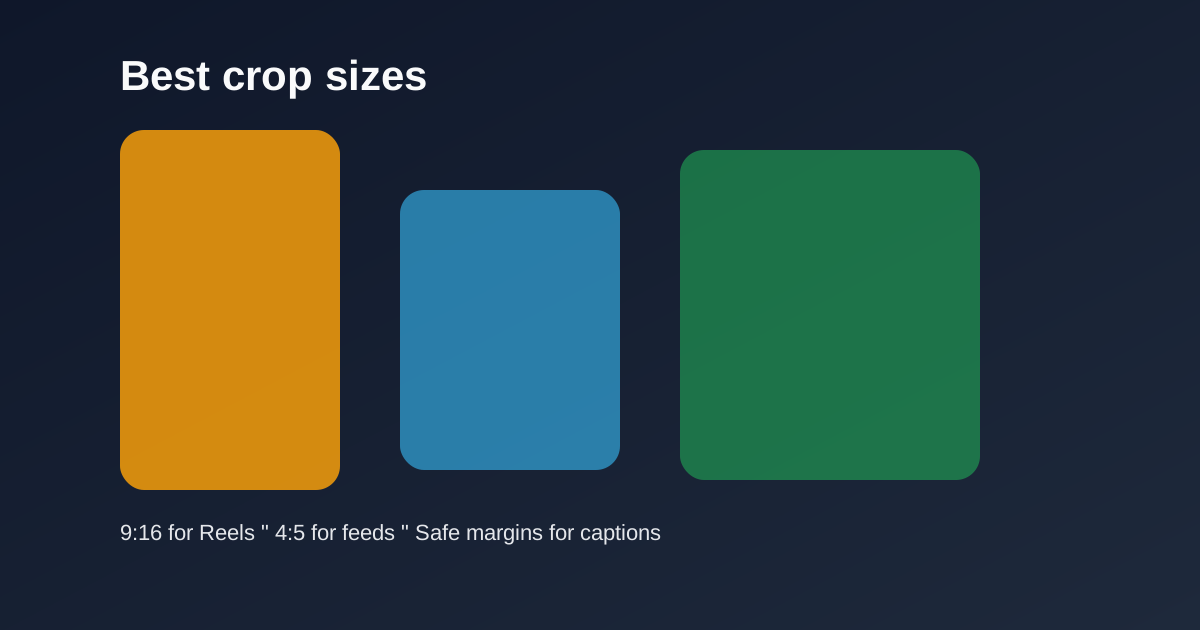
Use 9:16 for vertical Reels and Shorts, 4:5 for feed previews, and keep safe margins for captions and UI so key subjects never get covered.
Best crop sizes for Reels and Shorts

Cropping is the difference between a full-screen vertical story and a letterboxed afterthought. Lock sizes before you polish color or transitions.

Table of contents

  1. Primary crops that cover most uploads
  2. Batch consistency

Quick size reference

PlatformFormatSizeRatioNotes
Reels / TikTok / ShortsFull-screen vertical1080×19209:16Default master
InstagramFeed-friendly portrait1080×13504:5Secondary crop

Primary crops that cover most uploads

9:16 at 1080×1920 is the master for Reels, TikTok, and Shorts. 4:5 at 1080×1350 is the optional feed-friendly portrait when you need a non-fullscreen Instagram crop.

Keep faces centered with headroom. Leave the bottom clearer than feels natural on a desktop monitor — mobile captions live there.

Batch consistency

Save crop dimensions mentally or in your checklist so every episode in a series matches. Inconsistent framing makes a feed look accidental.

Export two versions only when you truly need both surfaces. Otherwise ship the 9:16 master and move on.

Related reading

  • Best Reel Size Guide (2026)Format Guide
  • TikTok Aspect Ratio ExplainedFormat Guide
  • Instagram Reel DimensionsFormat Guide
  • Safe Area Generator for Reels & TikTokFormat Guide

探索更多

Tools to apply this guide

免费照片与视频编辑器 — 私密、浏览器内运行、无需账号。

  • Resize videos for InstagramResize, crop, and reframe video or still images for Instagram Reels, TikTok, and YouTube Shorts.→
  • Crop images for InstagramCrop any photo to the aspect ratio you need in seconds.→

Frequently asked questions

What crop size should I use for Shorts?
9:16 — typically 1080×1920.
When do I use 4:5?
For Instagram portrait feed posts or previews where full-screen 9:16 is not required.

Resize video to these sizes →

← Back to the blog