Reels Editor — أدوات صور وفيديو مجانيةReels Editor
  • الأدوات
    صورة
    • تمويه الصورة
    • تغيير حجم الصورة
    • إزالة الخلفية
    • قص الصورة
    • بكسلة الصورة
    فيديو
    • تحرير الريلز عبر الإنترنت
    • تغيير حجم الفيديو
    • قص الفيديو
    • فلاتر الفيديو
    • الانتقالات
    • محرر الشعار
    • إضافة صورة إلى الريل
    • تسريع الفيديو
    • ضاغط MP4
    • إضافة صوت
    المحوّلات
    فيديو إلى GIF
    • MP4 إلى GIF
    • فيديو إلى GIF
    • MOV إلى GIF
    • WebM إلى GIF
    تنسيقات الصور
    • PNG إلى JPG
    • JPG إلى PNG
    • PNG إلى WebP
    • WebP إلى PNG
    • JPG إلى WebP
    • WebP إلى JPG
    • HEIC إلى JPG
    • HEIC إلى PNG
    جميع المحوّلات
    عرض جميع الأدوات ←
  • تحرير الريلز عبر الإنترنت
  • إزالة الخلفية
  • إضافة صورة إلى الريل
  • تمويه الصورة
  • تغيير حجم الفيديو
Reels Editorأدوات صور وفيديو مجانية
رئيسي
جميع الأدواتتحرير الريلز عبر الإنترنت
صورة
تمويه الصورةتغيير حجم الصورةإزالة الخلفيةقص الصورةبكسلة الصورة
فيديو
تحرير الريلز عبر الإنترنتتغيير حجم الفيديوقص الفيديوفلاتر الفيديوالانتقالاتمحرر الشعارإضافة صورة إلى الريلتسريع الفيديوضاغط MP4إضافة صوت
المحوّلات
جميع المحوّلاتMP4 إلى GIFفيديو إلى GIFMOV إلى GIFWebM إلى GIFPNG إلى JPGJPG إلى PNGPNG إلى WebPWebP إلى PNGJPG إلى WebPWebP إلى JPGHEIC إلى JPGHEIC إلى PNG
الموارد
الأدلةالمدونة
Reels Editor

أدوات صور وفيديو مجانية في المتصفح لإنستغرام ريلز وتيك توك ويوتيوب شورتس.

© 2026 Reels Editor

أدوات شائعة

  • إزالة خلفية الصور
  • إضافة صورة إلى الريل
  • تمويه الصورة عبر الإنترنت
  • تغيير حجم الفيديو لإنستغرام
  • قص الفيديو عبر الإنترنت
  • إضافة شعار إلى الفيديو
  • تطبيق فلاتر الفيديو عبر الإنترنت
  • ضاغط MP4 عبر الإنترنت
  • تحويل MP4 إلى GIF عبر الإنترنت
  • تحويل PNG إلى JPG عبر الإنترنت

الموارد

  • الأدلة
  • المدونة
  • مركز المساعدة
  • تحرير الريلز عبر الإنترنت
  • من نحن

قانوني

  • سياسة الخصوصية
  • الشروط والأحكام
  • اتصل بنا
Home/Blog/Best crop sizes for Reels and Shorts
Format GuideJan 22, 2026

Updated: Safe-margin guidance paired with 9:16 and 4:5 crops.

Best crop sizes for Reels and Shorts

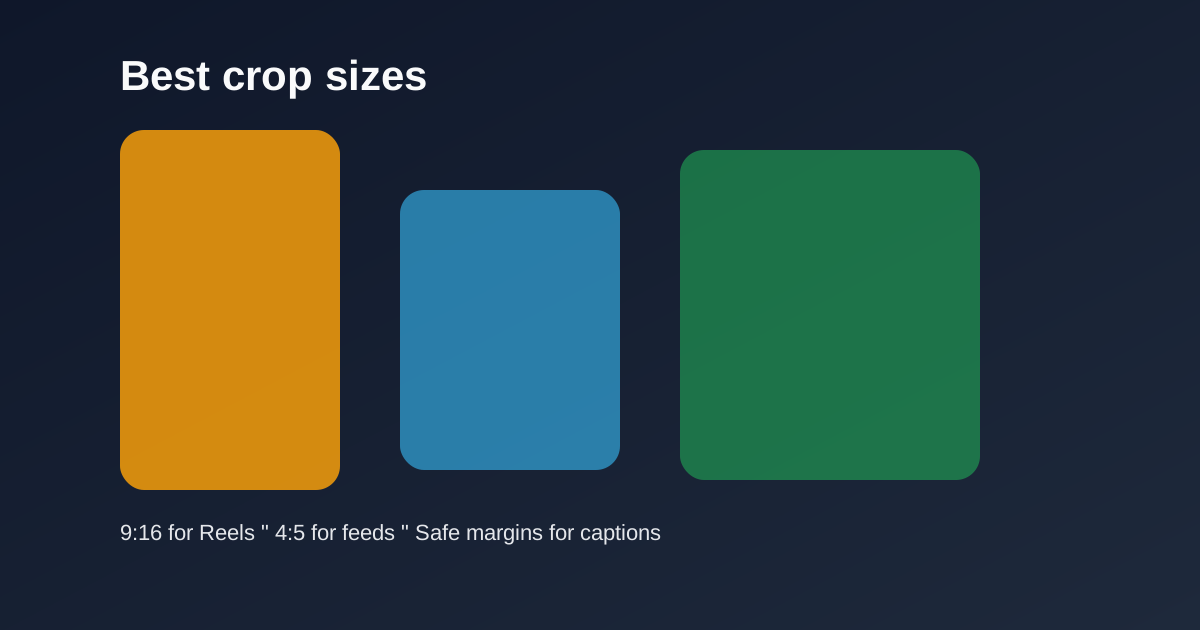
Use 9:16 for vertical Reels and Shorts, 4:5 for feed previews, and keep safe margins for captions and UI so key subjects never get covered.
Best crop sizes for Reels and Shorts

Cropping is the difference between a full-screen vertical story and a letterboxed afterthought. Lock sizes before you polish color or transitions.

Table of contents

  1. Primary crops that cover most uploads
  2. Batch consistency

Quick size reference

PlatformFormatSizeRatioNotes
Reels / TikTok / ShortsFull-screen vertical1080×19209:16Default master
InstagramFeed-friendly portrait1080×13504:5Secondary crop

Primary crops that cover most uploads

9:16 at 1080×1920 is the master for Reels, TikTok, and Shorts. 4:5 at 1080×1350 is the optional feed-friendly portrait when you need a non-fullscreen Instagram crop.

Keep faces centered with headroom. Leave the bottom clearer than feels natural on a desktop monitor — mobile captions live there.

Batch consistency

Save crop dimensions mentally or in your checklist so every episode in a series matches. Inconsistent framing makes a feed look accidental.

Export two versions only when you truly need both surfaces. Otherwise ship the 9:16 master and move on.

Related reading

  • Best Reel Size Guide (2026)Format Guide
  • TikTok Aspect Ratio ExplainedFormat Guide
  • Instagram Reel DimensionsFormat Guide
  • Safe Area Generator for Reels & TikTokFormat Guide

اكتشف المزيد

Tools to apply this guide

محررات صور وفيديو مجانية — خاصة، تعمل في المتصفح، ولا تحتاج إلى حساب.

  • Resize videos for InstagramResize, crop, and reframe video or still images for Instagram Reels, TikTok, and YouTube Shorts.→
  • Crop images for InstagramCrop any photo to the aspect ratio you need in seconds.→

Frequently asked questions

What crop size should I use for Shorts?
9:16 — typically 1080×1920.
When do I use 4:5?
For Instagram portrait feed posts or previews where full-screen 9:16 is not required.

Resize video to these sizes →

← Back to the blog