
Best Reel Size Guide (2026)
The best reel size in 2026 is 1080×1920 (9:16). Use this guide for Instagram, TikTok, and YouTube Shorts — plus safe margins and export tips.
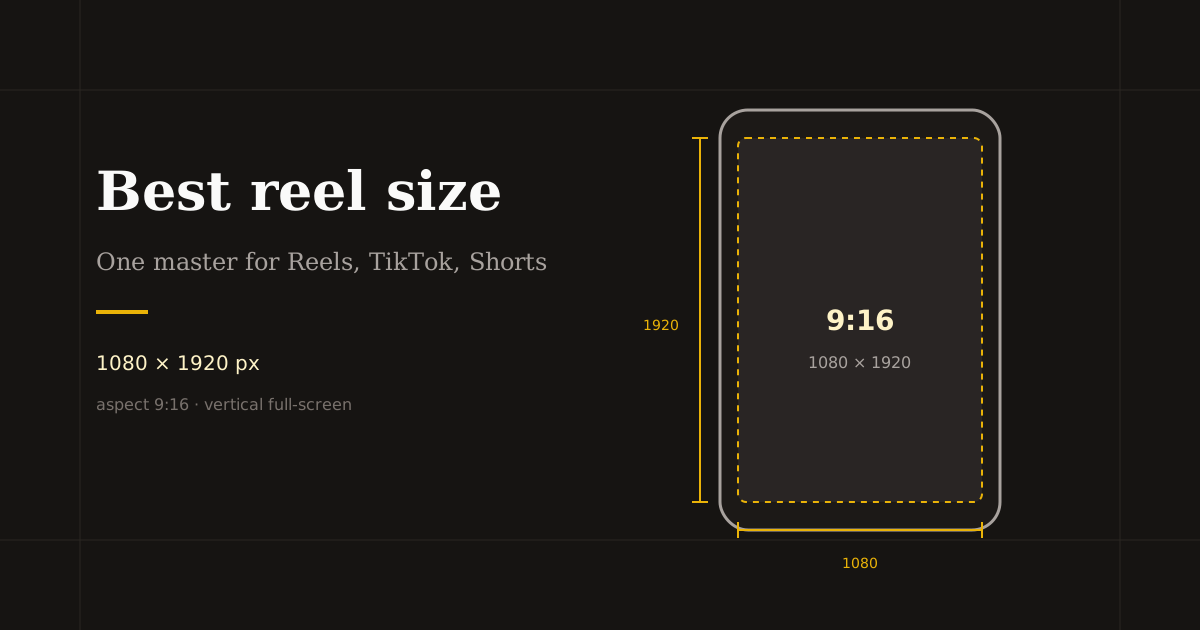
If you only memorize one number for short-form video, make it 1080×1920. That 9:16 frame is the full-screen standard for Instagram Reels, TikTok, and YouTube Shorts — and it is what Reels Editor defaults to when you resize vertical clips.
Quick size reference
| Platform | Format | Size | Ratio | Notes |
|---|---|---|---|---|
| Reels / Stories | 1080×1920 | 9:16 | Primary full-screen size | |
| TikTok | In-feed video | 1080×1920 | 9:16 | Same master as Reels |
| YouTube | Shorts | 1080×1920 | 9:16 | Keep under 60s for Shorts |
| Feed preview (optional) | 1080×1350 | 4:5 | Only when you need a taller feed crop |
The canonical reel size: 1080×1920
1080 pixels wide by 1920 pixels tall is the practical master for short-form vertical video. It matches phone screens, keeps text sharp on modern displays, and avoids unnecessary upscaling when platforms recompress your upload.
You can export smaller 9:16 masters (for example 540×960) when you need faster processing or lighter files. Keep the same aspect ratio. Do not stretch a 16:9 landscape clip to fill 9:16 — crop and reframe instead so faces and products stay intentional.
Shoot or export source footage at the highest resolution you can. Cropping a soft 720p landscape clip into 1080×1920 cannot invent detail. Start sharp, then crop.
Instagram, TikTok, and Shorts — same size, different UI
All three major short-form surfaces expect 9:16. The difference is what the UI covers: Instagram piles captions and audio labels along the bottom, TikTok stacks engagement controls on the right, and Shorts adds title and channel prompts. Your pixel size stays the same; your safe margins change slightly by platform.
Publish from one 1080×1920 master whenever possible. Re-exporting three slightly different crops usually wastes time unless a platform-specific UI keeps covering a logo or caption you cannot move.
For Instagram feed surfaces that are not full-screen Reels playback, a 4:5 (1080×1350) crop can look cleaner. Treat that as a secondary export, not your default reel master.
How to export the best reel size in Reels Editor
Open Resize Video, upload MP4 or MOV, and choose the Reels & Stories preset (1080×1920). Drag the subject into the center of the frame, then leave breathing room at the bottom for captions and at the sides for TikTok-style buttons.
Preview on a phone-sized viewport before you download. Check the first frame — platforms often pull cover imagery from early frames — and confirm text is not sitting on the lower third.
Download the MP4 locally. Reels Editor processes in the browser, so the file never needs a cloud upload step for cropping. Use the same project settings on the next video in a series so your feed stays consistent.
Quality checklist before you hit publish
Subject faces are fully visible with headroom. Key text sits above the bottom caption zone. Logos avoid the right-edge button stack on TikTok. Audio peaks are clean and the opening second is visually strong.
If you batch-edit, lock width and height once and reuse them. Consistency across a series beats reinventing the crop every upload.
When something looks soft after export, fix the source or reduce aggressive zoom — do not push a small crop to 1080×1920 and expect film-like detail.
Frequently asked questions
- What is the best reel size in 2026?
- 1080×1920 pixels at a 9:16 aspect ratio. Use that master for Instagram Reels, TikTok, and YouTube Shorts.
- Is 540×960 still OK for reels?
- Yes for speed and smaller files, as long as you keep 9:16. Prefer 1080×1920 when source quality allows.
- Should I use different sizes for TikTok and Instagram?
- Usually no. Export one 9:16 master and adjust safe margins if platform UI covers branding. Pixel dimensions can stay identical.