Reels Editor — outils photo et vidéo gratuitsReels Editor
  • Outils
    Image
    • Flouter l'image
    • Redimensionner l'image
    • Supprimer l'arrière-plan
    • Recadrer l'image
    • Pixelliser l'image
    Vidéo
    • Éditer des Reels en ligne
    • Redimensionner la vidéo
    • Couper la vidéo
    • Filtres vidéo
    • Transitions
    • Éditeur de logo
    • Ajouter une image au Reel
    • Accélérer la vidéo
    • Compresseur MP4
    • Ajouter de l’audio
    Convertisseurs
    Vidéo en GIF
    • MP4 en GIF
    • Vidéo en GIF
    • MOV en GIF
    • WebM en GIF
    Formats d'image
    • PNG en JPG
    • JPG en PNG
    • PNG en WebP
    • WebP en PNG
    • JPG en WebP
    • WebP en JPG
    • HEIC en JPG
    • HEIC en PNG
    Tous les convertisseurs
    Voir tous les outils →
  • Éditer des Reels en ligne
  • Supprimer l'arrière-plan
  • Ajouter une image au Reel
  • Flouter l'image
  • Redimensionner la vidéo
Reels EditorOutils photo et vidéo gratuits
Principal
Tous les outilsÉditer des Reels en ligne
Image
Flouter l'imageRedimensionner l'imageSupprimer l'arrière-planRecadrer l'imagePixelliser l'image
Vidéo
Éditer des Reels en ligneRedimensionner la vidéoCouper la vidéoFiltres vidéoTransitionsÉditeur de logoAjouter une image au ReelAccélérer la vidéoCompresseur MP4Ajouter de l’audio
Convertisseurs
Tous les convertisseursMP4 en GIFVidéo en GIFMOV en GIFWebM en GIFPNG en JPGJPG en PNGPNG en WebPWebP en PNGJPG en WebPWebP en JPGHEIC en JPGHEIC en PNG
Ressources
GuidesBlog
Reels Editor

Outils photo et vidéo gratuits dans le navigateur pour Instagram Reels, TikTok et YouTube Shorts.

© 2026 Reels Editor

Outils populaires

  • Supprimer l'arrière-plan des images
  • Ajouter une image au reel
  • Flouter une image en ligne
  • Redimensionner des vidéos pour Instagram
  • Couper des vidéos en ligne
  • Ajouter un logo à la vidéo
  • Appliquer des filtres vidéo en ligne
  • Compresseur MP4 en ligne
  • Convertir MP4 en GIF en ligne
  • Convertir PNG en JPG en ligne

Ressources

  • Guides
  • Blog
  • Centre d'aide
  • Éditer des Reels en ligne
  • À propos

Mentions légales

  • Politique de confidentialité
  • Conditions générales
  • Contact
Home/Blog/Best Opus Clip Alternatives for AI Short Clips
AlternativesJul 17, 2026

New: Opus Clip alternatives for repurposing long video into reels and shorts.

Best Opus Clip Alternatives for AI Short Clips

Opus Clip alternatives for AI clipping: Vizard, Munch, Descript, and manual browser prep. Compare repurposing features, pricing limits, and export quality for reels.
Best Opus Clip Alternatives for AI Short Clips

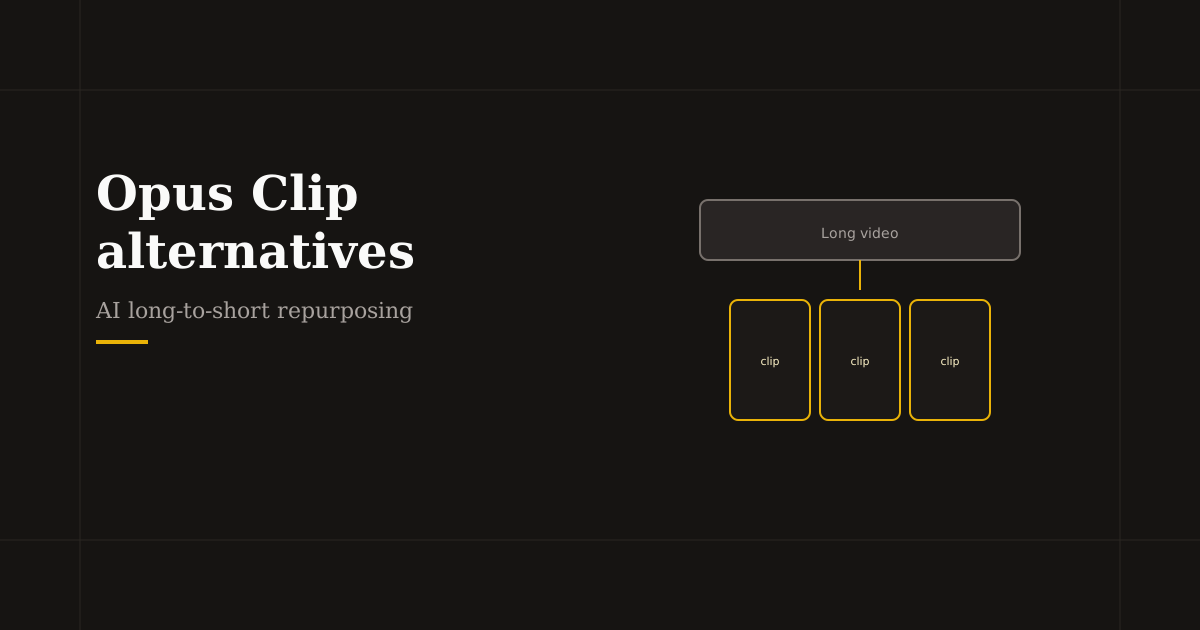
Opus Clip popularized one-click long-to-short repurposing. Competitors now offer similar transcript scoring, vertical reframe, and batch exports — with different minute limits, languages, and caption styles. After any AI clipper, you still need reliable 9:16 crop and hook trims before posting.

Table of contents

  1. What Opus Clip does well
  2. Direct Opus Clip alternatives
  3. After AI clipping: browser polish
  4. Choosing by publishing volume

What Opus Clip does well

Upload long video or paste a YouTube link; AI segments highlights, scores “virality,” reframes to vertical, and adds captions. Strong for podcasters and YouTubers shipping daily shorts from one recording.

Limits appear on free tiers (processing minutes), reframing mistakes on slides, and dependency on cloud uploads — plan a human review pass on every export.

Direct Opus Clip alternatives

Vizard — long-form to shorts with templates and team workflows; popular for marketers batching LinkedIn and TikTok from webinars.

Munch and Klap — similar AI moment detection with variant caption and B-roll suggestions; compare minute pricing if you publish high volume.

Descript — less “viral score,” more transcript control; best when word-level editing matters more than auto-montage.

CapCut desktop — manual chapter cuts with AI assist inside a full NLE when you outgrow fully automatic clips.

After AI clipping: browser polish

AI reframing can crop presenters or on-screen data wrong. Pull exports into Resize Video for a final 1080×1920 crop with safe margins, then Trim the opening frame until the hook lands in under two seconds.

Add Logo for series branding. Reels Editor keeps this step local — useful when the clipper already stored your long video on its servers and you want the final polish offline.

Choosing by publishing volume

Low volume (1–2 long videos per week): one clipper free tier plus browser prep is enough. High volume: compare per-minute pricing, team seats, and whether you need API or scheduling integrations.

Do not run the same long file through three clippers — pick one AI pass, then standardize manual prep so your feed looks cohesive.

Related reading

  • Best AI Reel Editor Tools (2026)Tool Guide
  • How to Edit Reels with AI — Step-by-Step WorkflowWorkflow
  • Best CapCut Alternatives for Reels (2026)Alternatives
  • Hook viewers in the first 2 secondsEditing Technique

Explorer plus

Tools to apply this guide

Éditeurs photo et vidéo gratuits — privés, dans le navigateur, sans compte.

  • Resize videos for InstagramResize, crop, and reframe video or still images for Instagram Reels, TikTok, and YouTube Shorts.→
  • Trim videos onlineCut long footage into short clips optimized for social media.→
  • Add logo to videoPlace your brand logo on any video or image directly in your browser.→
  • Speed up video segmentsMake specific parts of your video faster without re-encoding the entire file manually.→

Frequently asked questions

What is the best free Opus Clip alternative?
Several clippers offer limited free minutes — Vizard, Munch, and Klap are common trials. Descript’s free tier helps if you edit by transcript. Always check current minute caps.
Can I edit Opus Clip videos without uploading again?
Download the MP4 and crop or trim in a local browser editor. That avoids a second round-trip through the clipper cloud.
Is Opus Clip better than manual editing?
Faster for first drafts from long video; manual or browser editing still wins on precise hooks and branding. Use both.
What size should Opus Clip alternatives export?
1080×1920 (9:16) for Instagram Reels, TikTok, and YouTube Shorts.

Resize video to these sizes →

← Back to the blog