Reels Editor — herramientas gratis de foto y vídeoReels Editor
  • Herramientas
    Imagen
    • Desenfocar imagen
    • Redimensionar imagen
    • Quitar fondo
    • Recortar imagen
    • Pixelar imagen
    Vídeo
    • Editar Reels online
    • Redimensionar vídeo
    • Recortar vídeo
    • Filtros de vídeo
    • Transiciones
    • Editor de logo
    • Añadir imagen al Reel
    • Acelerar vídeo
    • Compresor MP4
    • Añadir audio
    Convertidores
    Vídeo a GIF
    • MP4 a GIF
    • Vídeo a GIF
    • MOV a GIF
    • WebM a GIF
    Formatos de imagen
    • PNG a JPG
    • JPG a PNG
    • PNG a WebP
    • WebP a PNG
    • JPG a WebP
    • WebP a JPG
    • HEIC a JPG
    • HEIC a PNG
    Todos los convertidores
    Ver todas las herramientas →
  • Editar Reels online
  • Quitar fondo
  • Añadir imagen al Reel
  • Desenfocar imagen
  • Redimensionar vídeo
Reels EditorHerramientas gratis de foto y vídeo
Principal
Todas las herramientasEditar Reels online
Imagen
Desenfocar imagenRedimensionar imagenQuitar fondoRecortar imagenPixelar imagen
Vídeo
Editar Reels onlineRedimensionar vídeoRecortar vídeoFiltros de vídeoTransicionesEditor de logoAñadir imagen al ReelAcelerar vídeoCompresor MP4Añadir audio
Convertidores
Todos los convertidoresMP4 a GIFVídeo a GIFMOV a GIFWebM a GIFPNG a JPGJPG a PNGPNG a WebPWebP a PNGJPG a WebPWebP a JPGHEIC a JPGHEIC a PNG
Recursos
GuíasBlog
Reels Editor

Herramientas gratis de foto y vídeo en el navegador para Instagram Reels, TikTok y YouTube Shorts.

© 2026 Reels Editor

Herramientas populares

  • Quitar fondo de imágenes
  • Añadir imagen al reel
  • Desenfocar imagen online
  • Redimensionar vídeos para Instagram
  • Recortar vídeos online
  • Añadir logo al vídeo
  • Aplicar filtros de vídeo online
  • Compresor MP4 online
  • Convertir MP4 a GIF online
  • Convertir PNG a JPG online

Recursos

  • Guías
  • Blog
  • Centro de ayuda
  • Editar Reels online
  • Acerca de

Legal

  • Política de privacidad
  • Términos y condiciones
  • Contacto
Home/Blog/Smooth transitions without over-editing
StorytellingJan 20, 2026

Updated: Transition timing for vertical short-form pacing.

Smooth transitions without over-editing

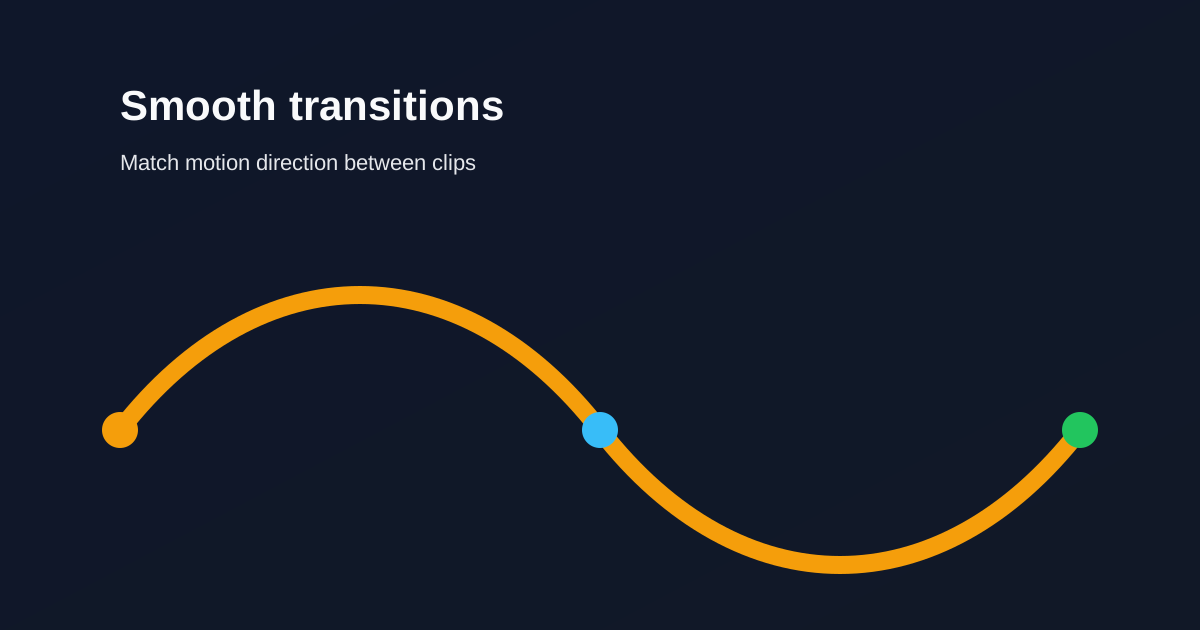
Keep transitions short and purposeful. Match motion direction between clips so edits feel intentional instead of decorative.
Smooth transitions without over-editing

In vertical video, every transition occupies the whole phone. If it does not serve the story, cut hard instead.

Table of contents

  1. Timing rules for short-form
  2. When a hard cut is better

Timing rules for short-form

Keep most transitions under ~0.4 seconds. Long dissolves slow Reels and TikToks. Match motion direction so the eye continues across the cut.

Use one transition style per sequence. Mixing wipes, spins, and zooms in thirty seconds reads as noise.

When a hard cut is better

Reserve stylized transitions for scene changes, not every sentence. Cut on beats when music leads. Pre-align similar frames so continuity feels natural without effects.

Related reading

  • Hook viewers in the first 2 secondsEditing Technique
  • Audio timing tips for higher retentionAudio
  • Best AI Reel Editor Tools (2026)Tool Guide
  • Best Instagram Reel Editor Options (2026)Tool Guide

Explora más

Tools to apply this guide

Editores gratuitos de foto y vídeo — privados, en el navegador y sin cuenta.

  • Trim videos onlineCut long footage into short clips optimized for social media.→
  • Add transitions to videoInsert a transition clip at an exact timestamp in your base video to create smoother scene changes.→

Frequently asked questions

How long should a Reel transition be?
Short — often under 0.4 seconds — unless the transition is the joke or the reveal.

Resize video to these sizes →

← Back to the blog