Reels Editor — herramientas gratis de foto y vídeoReels Editor
  • Herramientas
    Imagen
    • Desenfocar imagen
    • Redimensionar imagen
    • Quitar fondo
    • Recortar imagen
    • Pixelar imagen
    Vídeo
    • Editar Reels online
    • Redimensionar vídeo
    • Recortar vídeo
    • Filtros de vídeo
    • Transiciones
    • Editor de logo
    • Añadir imagen al Reel
    • Acelerar vídeo
    • Compresor MP4
    • Añadir audio
    Convertidores
    Vídeo a GIF
    • MP4 a GIF
    • Vídeo a GIF
    • MOV a GIF
    • WebM a GIF
    Formatos de imagen
    • PNG a JPG
    • JPG a PNG
    • PNG a WebP
    • WebP a PNG
    • JPG a WebP
    • WebP a JPG
    • HEIC a JPG
    • HEIC a PNG
    Todos los convertidores
    Ver todas las herramientas →
  • Editar Reels online
  • Quitar fondo
  • Añadir imagen al Reel
  • Desenfocar imagen
  • Redimensionar vídeo
Reels EditorHerramientas gratis de foto y vídeo
Principal
Todas las herramientasEditar Reels online
Imagen
Desenfocar imagenRedimensionar imagenQuitar fondoRecortar imagenPixelar imagen
Vídeo
Editar Reels onlineRedimensionar vídeoRecortar vídeoFiltros de vídeoTransicionesEditor de logoAñadir imagen al ReelAcelerar vídeoCompresor MP4Añadir audio
Convertidores
Todos los convertidoresMP4 a GIFVídeo a GIFMOV a GIFWebM a GIFPNG a JPGJPG a PNGPNG a WebPWebP a PNGJPG a WebPWebP a JPGHEIC a JPGHEIC a PNG
Recursos
GuíasBlog
Reels Editor

Herramientas gratis de foto y vídeo en el navegador para Instagram Reels, TikTok y YouTube Shorts.

© 2026 Reels Editor

Herramientas populares

  • Quitar fondo de imágenes
  • Añadir imagen al reel
  • Desenfocar imagen online
  • Redimensionar vídeos para Instagram
  • Recortar vídeos online
  • Añadir logo al vídeo
  • Aplicar filtros de vídeo online
  • Compresor MP4 online
  • Convertir MP4 a GIF online
  • Convertir PNG a JPG online

Recursos

  • Guías
  • Blog
  • Centro de ayuda
  • Editar Reels online
  • Acerca de

Legal

  • Política de privacidad
  • Términos y condiciones
  • Contacto
Home/Blog/Best crop sizes for Reels and Shorts
Format GuideJan 22, 2026

Updated: Safe-margin guidance paired with 9:16 and 4:5 crops.

Best crop sizes for Reels and Shorts

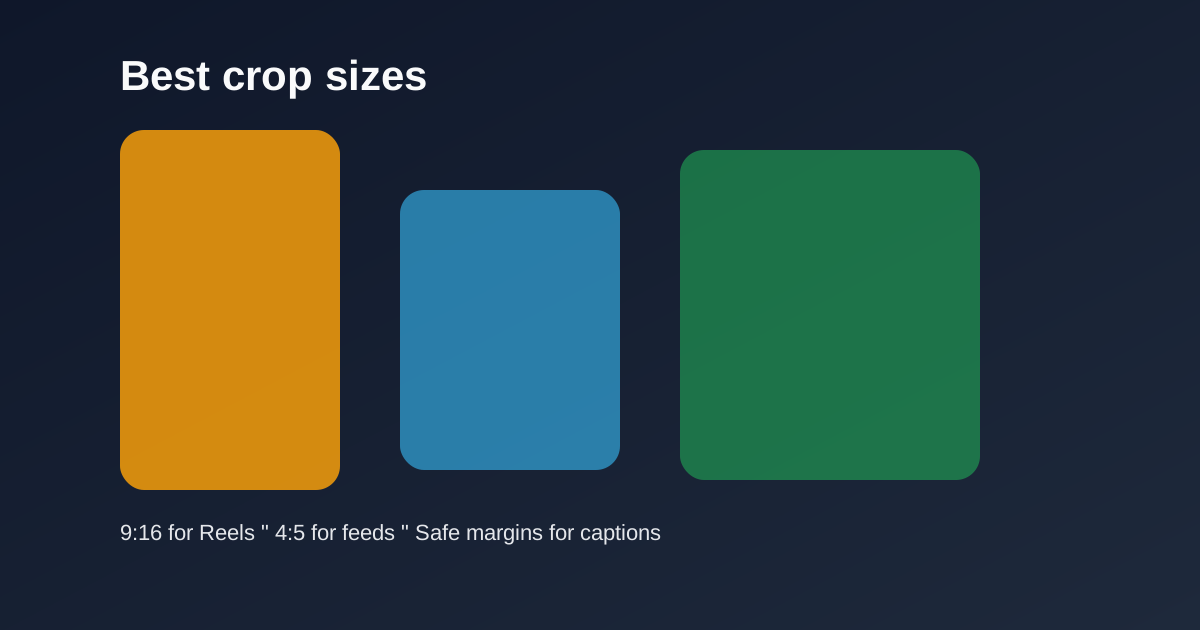
Use 9:16 for vertical Reels and Shorts, 4:5 for feed previews, and keep safe margins for captions and UI so key subjects never get covered.
Best crop sizes for Reels and Shorts

Cropping is the difference between a full-screen vertical story and a letterboxed afterthought. Lock sizes before you polish color or transitions.

Table of contents

  1. Primary crops that cover most uploads
  2. Batch consistency

Quick size reference

PlatformFormatSizeRatioNotes
Reels / TikTok / ShortsFull-screen vertical1080×19209:16Default master
InstagramFeed-friendly portrait1080×13504:5Secondary crop

Primary crops that cover most uploads

9:16 at 1080×1920 is the master for Reels, TikTok, and Shorts. 4:5 at 1080×1350 is the optional feed-friendly portrait when you need a non-fullscreen Instagram crop.

Keep faces centered with headroom. Leave the bottom clearer than feels natural on a desktop monitor — mobile captions live there.

Batch consistency

Save crop dimensions mentally or in your checklist so every episode in a series matches. Inconsistent framing makes a feed look accidental.

Export two versions only when you truly need both surfaces. Otherwise ship the 9:16 master and move on.

Related reading

  • Best Reel Size Guide (2026)Format Guide
  • TikTok Aspect Ratio ExplainedFormat Guide
  • Instagram Reel DimensionsFormat Guide
  • Safe Area Generator for Reels & TikTokFormat Guide

Explora más

Tools to apply this guide

Editores gratuitos de foto y vídeo — privados, en el navegador y sin cuenta.

  • Resize videos for InstagramResize, crop, and reframe video or still images for Instagram Reels, TikTok, and YouTube Shorts.→
  • Crop images for InstagramCrop any photo to the aspect ratio you need in seconds.→

Frequently asked questions

What crop size should I use for Shorts?
9:16 — typically 1080×1920.
When do I use 4:5?
For Instagram portrait feed posts or previews where full-screen 9:16 is not required.

Resize video to these sizes →

← Back to the blog