Reels Editor β€” free photo and video toolsReels Editor
  • Tools
    Image
    • Blur Image
    • Resize Image
    • Remove Background
    • Crop Image
    • Pixelate Image
    Video
    • Edit Reels Online
    • Resize Video
    • Trim Video
    • Video Filters
    • Transitions
    • Logo Editor
    • Add Image on Reel
    • Speed Up Video
    • MP4 Compressor
    • Add Audio
    Converters
    Video to GIF
    • MP4 to GIF
    • Video to GIF
    • MOV to GIF
    • WebM to GIF
    Image formats
    • PNG to JPG
    • JPG to PNG
    • PNG to WebP
    • WebP to PNG
    • JPG to WebP
    • WebP to JPG
    • HEIC to JPG
    • HEIC to PNG
    All converters
    View all tools β†’
  • Edit Reels Online
  • Remove Background
  • Add Image on Reel
  • Blur Image
  • Resize Video
Reels EditorFree photo & video tools
Main
All ToolsEdit Reels Online
Image
Blur ImageResize ImageRemove BackgroundCrop ImagePixelate Image
Video
Edit Reels OnlineResize VideoTrim VideoVideo FiltersTransitionsLogo EditorAdd Image on ReelSpeed Up VideoMP4 CompressorAdd Audio
Converters
All ConvertersMP4 to GIFVideo to GIFMOV to GIFWebM to GIFPNG to JPGJPG to PNGPNG to WebPWebP to PNGJPG to WebPWebP to JPGHEIC to JPGHEIC to PNG
Resources
GuidesBlog
Reels Editor

Free browser-based photo and video tools for Instagram Reels, TikTok, and YouTube Shorts.

Β© 2026 Reels Editor

Popular tools

  • Remove background from images
  • Add image on reel
  • Blur image online
  • Resize videos for Instagram
  • Trim videos online
  • Add logo to video
  • Apply video filters online
  • MP4 compressor online
  • Convert MP4 to GIF online
  • Convert PNG to JPG online

Resources

  • Guides
  • Blog
  • Help Center
  • Edit Reels Online
  • About

Legal

  • Privacy Policy
  • Terms & Conditions
  • Contact
Home/Blog/Smooth transitions without over-editing
StorytellingJan 20, 2026

Updated: Transition timing for vertical short-form pacing.

Smooth transitions without over-editing

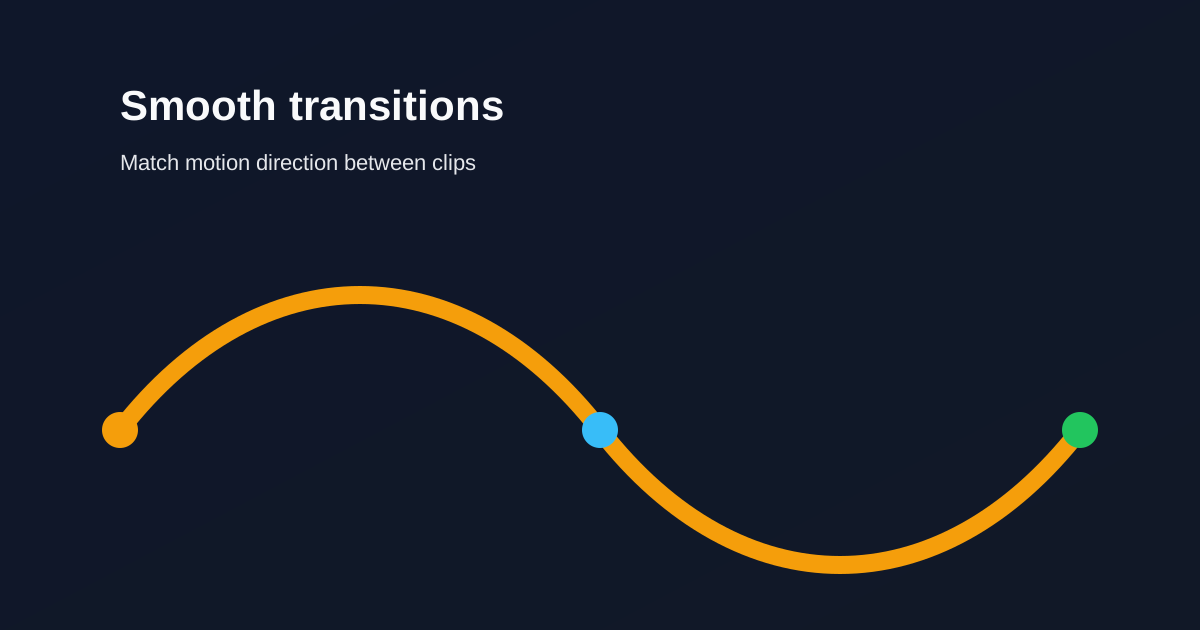
Keep transitions short and purposeful. Match motion direction between clips so edits feel intentional instead of decorative.
Smooth transitions without over-editing

In vertical video, every transition occupies the whole phone. If it does not serve the story, cut hard instead.

Table of contents

  1. Timing rules for short-form
  2. When a hard cut is better

Timing rules for short-form

Keep most transitions under ~0.4 seconds. Long dissolves slow Reels and TikToks. Match motion direction so the eye continues across the cut.

Use one transition style per sequence. Mixing wipes, spins, and zooms in thirty seconds reads as noise.

When a hard cut is better

Reserve stylized transitions for scene changes, not every sentence. Cut on beats when music leads. Pre-align similar frames so continuity feels natural without effects.

Related reading

  • Hook viewers in the first 2 secondsEditing Technique
  • Audio timing tips for higher retentionAudio
  • Best AI Reel Editor Tools (2026)Tool Guide
  • Best Instagram Reel Editor Options (2026)Tool Guide

Explore more

Tools to apply this guide

Free photo & video editors β€” private, browser-based, no account needed.

  • Trim videos onlineCut long footage into short clips optimized for social media.β†’
  • Add transitions to videoInsert a transition clip at an exact timestamp in your base video to create smoother scene changes.β†’

Frequently asked questions

How long should a Reel transition be?
Short β€” often under 0.4 seconds β€” unless the transition is the joke or the reveal.

Resize video to these sizes β†’

← Back to the blog