Reels Editor — strumenti gratis di foto e videoReels Editor
  • Strumenti
    Immagine
    • Sfoca immagine
    • Ridimensiona immagine
    • Rimuovi sfondo
    • Ritaglia immagine
    • Pixelizza immagine
    Video
    • Modifica Reels online
    • Ridimensiona video
    • Taglia video
    • Filtri video
    • Transizioni
    • Editor logo
    • Aggiungi immagine al Reel
    • Accelera video
    • Compressore MP4
    • Aggiungi audio
    Convertitori
    Video in GIF
    • MP4 in GIF
    • Video in GIF
    • MOV in GIF
    • WebM in GIF
    Formati immagine
    • PNG in JPG
    • JPG in PNG
    • PNG in WebP
    • WebP in PNG
    • JPG in WebP
    • WebP in JPG
    • HEIC in JPG
    • HEIC in PNG
    Tutti i convertitori
    Vedi tutti gli strumenti →
  • Modifica Reels online
  • Rimuovi sfondo
  • Aggiungi immagine al Reel
  • Sfoca immagine
  • Ridimensiona video
Reels EditorStrumenti gratis di foto e video
Principale
Tutti gli strumentiModifica Reels online
Immagine
Sfoca immagineRidimensiona immagineRimuovi sfondoRitaglia immaginePixelizza immagine
Video
Modifica Reels onlineRidimensiona videoTaglia videoFiltri videoTransizioniEditor logoAggiungi immagine al ReelAccelera videoCompressore MP4Aggiungi audio
Convertitori
Tutti i convertitoriMP4 in GIFVideo in GIFMOV in GIFWebM in GIFPNG in JPGJPG in PNGPNG in WebPWebP in PNGJPG in WebPWebP in JPGHEIC in JPGHEIC in PNG
Risorse
GuideBlog
Reels Editor

Strumenti gratis di foto e video nel browser per Instagram Reels, TikTok e YouTube Shorts.

© 2026 Reels Editor

Strumenti popolari

  • Rimuovi sfondo dalle immagini
  • Aggiungi immagine al reel
  • Sfoca immagine online
  • Ridimensiona video per Instagram
  • Taglia video online
  • Aggiungi logo al video
  • Applica filtri video online
  • Compressore MP4 online
  • Converti MP4 in GIF online
  • Converti PNG in JPG online

Risorse

  • Guide
  • Blog
  • Centro assistenza
  • Modifica Reels online
  • Chi siamo

Legale

  • Privacy policy
  • Termini e condizioni
  • Contatti
Home/Blog/Best CapCut Alternatives for Reels (2026)
AlternativesJul 17, 2026

New: CapCut alternatives for privacy, desktop, and lightweight reel prep.

Best CapCut Alternatives for Reels (2026)

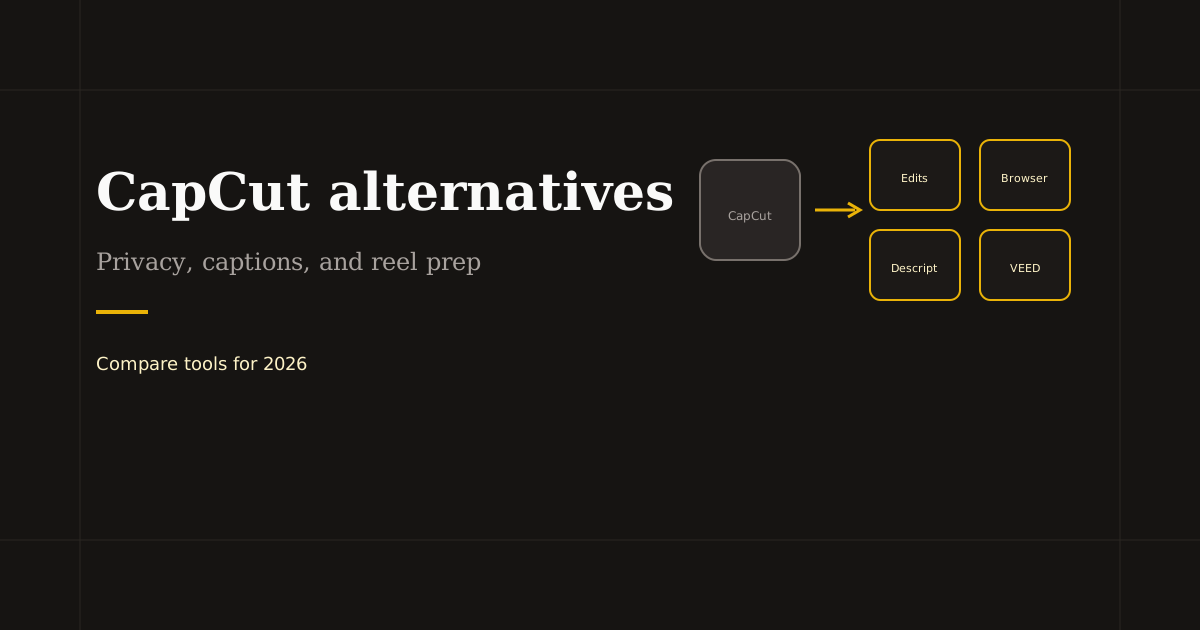
CapCut alternatives for 2026: Instagram Edits, Descript, VEED, and browser editors for private crop and trim. Pick by captions, templates, or local processing.
Best CapCut Alternatives for Reels (2026)

Creators search CapCut alternatives when they hit export limits, want desktop-friendly workflows without ByteDance ties, or need client footage to stay off third-party clouds. No single app clones every CapCut feature — match the alternative to captions, templates, or private prep.

Table of contents

  1. Why creators switch from CapCut
  2. Mobile-first CapCut alternatives
  3. Desktop and browser alternatives
  4. Mix-and-match stack (often beats one app)

Why creators switch from CapCut

Common triggers: privacy concerns on sensitive footage, app bans on work devices, fatigue with template-heavy UI for simple trims, or wanting browser access without installing another mobile NLE.

CapCut still leads for free auto-captions and effect packs on phone. Alternatives make sense when your job is narrower — crop, logo, upload — or when compliance rules forbid cloud video processing.

Mobile-first CapCut alternatives

Instagram Edits — Meta’s free editor with overlays, green screen, and ecosystem audio. Best when you publish only to Instagram and Facebook.

InShot and VN — lighter timelines, good for quick vertical cuts and text on mid-range phones. Less AI, fewer templates than CapCut, often enough for daily posting.

Adobe Premiere Rush — paid Adobe ecosystem, stronger color and sync for creators already on Creative Cloud.

Desktop and browser alternatives

Descript — transcript-first editing and caption burn-in for talking-head reels. VEED — web editor with subtitles and brand kit features; uploads to cloud.

Reels Editor — browser toolkit with local processing: crop 9:16, trim, logo, filters, MP4 export. No auto-captions or template mall — ideal when you want CapCut’s crop step without CapCut’s cloud or install. See also our detailed Reels Editor vs CapCut comparison page.

Mix-and-match stack (often beats one app)

Trim and crop in Reels Editor → captions in Descript or platform → trending audio in TikTok. Or Edits for full mobile polish when privacy is not the blocker.

Document the stack for your team so every reel follows the same export size (1080×1920) and caption path — consistency matters more than loyalty to one logo.

Related reading

  • Free Reel Editor — Browser Tools, No WatermarkTool Guide
  • Best VEED Alternatives for Online Video EditingAlternatives
  • Best Instagram Reel Editor Options (2026)Tool Guide
  • Best AI Reel Editor Tools (2026)Tool Guide

Scopri di più

Tools to apply this guide

Editor foto e video gratuiti — privati, nel browser, senza account.

  • Resize videos for InstagramResize, crop, and reframe video or still images for Instagram Reels, TikTok, and YouTube Shorts.→
  • Trim videos onlineCut long footage into short clips optimized for social media.→
  • Add logo to videoPlace your brand logo on any video or image directly in your browser.→
  • Add transitions to videoInsert a transition clip at an exact timestamp in your base video to create smoother scene changes.→

Frequently asked questions

What is the best free CapCut alternative?
Instagram Edits for Meta creators, InShot for simple mobile cuts, Reels Editor for free browser crop and trim without upload.
Is Reels Editor a good CapCut alternative?
For private browser crop, trim, and logo, yes. For templates and auto-captions, CapCut or Edits remain stronger.
Which CapCut alternative is most private?
Browser tools that process video locally on your device, such as Reels Editor, avoid sending raw footage to an editor cloud.
Can I import CapCut projects into alternatives?
Usually no — export MP4 from CapCut and re-edit, or rebuild in the new tool from source footage.

Resize video to these sizes →

← Back to the blog